Everything you need, from scan to deliverable
Turn raw point clouds into professional floor plans, BIM models and terrain analysis. Every line stays anchored to the measured points.
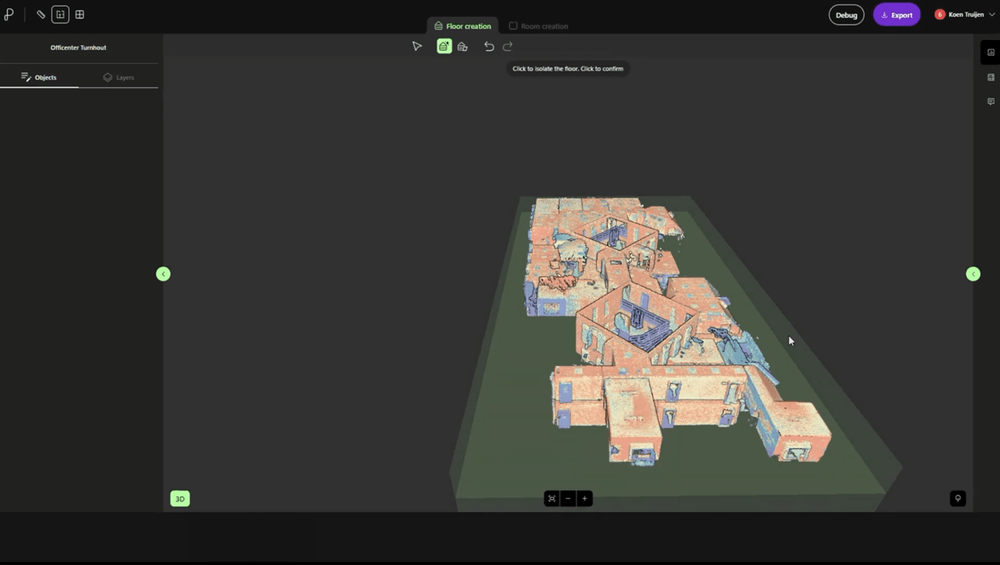
Automatic floor detection
Turn a raw point cloud into structured building levels.
Pointorama automatically detects floors and storeys directly from your scan. Upload a raw point cloud and the platform identifies floor levels and structures them into building storeys — no manual setup or preprocessing. Each floor remains linked to the measured points, giving you an accurate framework for rooms, floor plans and further analysis.
- Automatic floor & storey detection
- Multi-level building support
- Works on raw, un-cleaned scans
- Fully editable floor levels
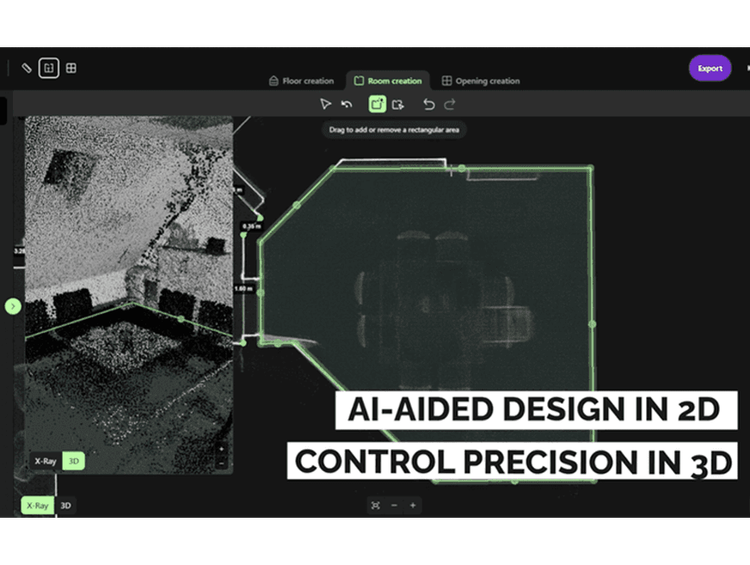
Automatic room detection
Create rooms without tracing every wall.
Select a space and let Pointorama reconstruct the room from the surrounding point cloud. Wall surfaces are converted into editable room geometry, giving you a fast way to move from measured points to an accurate floor plan.
- Create rooms in just a few clicks
- No need to trace every wall manually
- Geometry based on measured scan data
- Full control to review and refine
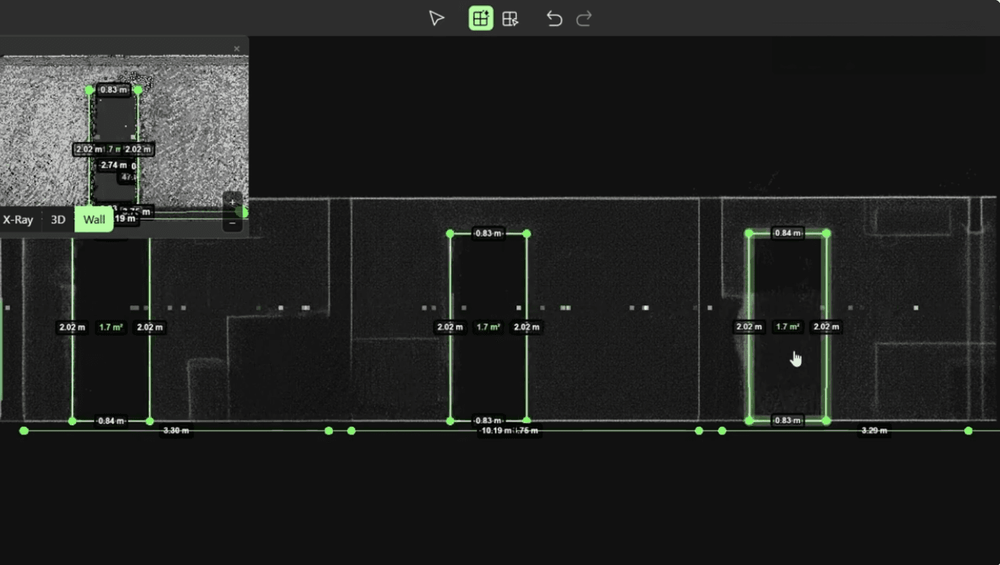
AI door & window detection
Openings found and placed, not hand-drawn.
Pointorama automatically detects doors and windows within your point cloud and inserts them as editable, parametric openings. Review every detection against the original scan, make adjustments where needed, and create more complete floor plans in a fraction of the time.
- AI-assisted door detection
- AI-assisted window detection
- Editable, parametric openings
- Validated against the source scan
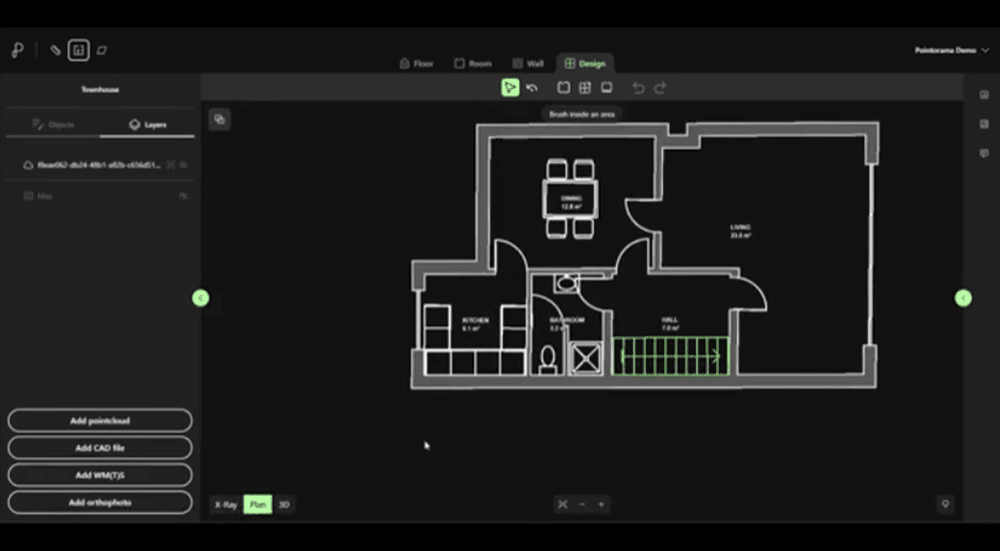
Create a design floor plan
Turn detected rooms into a complete floor plan.
Add the details that make your floor plan complete. Define doors and their opening direction, add stairs, furniture, sanitary fixtures and kitchen elements, then prepare your plan for export. Everything stays editable, so you decide exactly how the final floor plan looks.
- Add doors with opening direction
- Add stairs and architectural details
- Furnish rooms with ready-made objects
- Create a client-ready floor plan
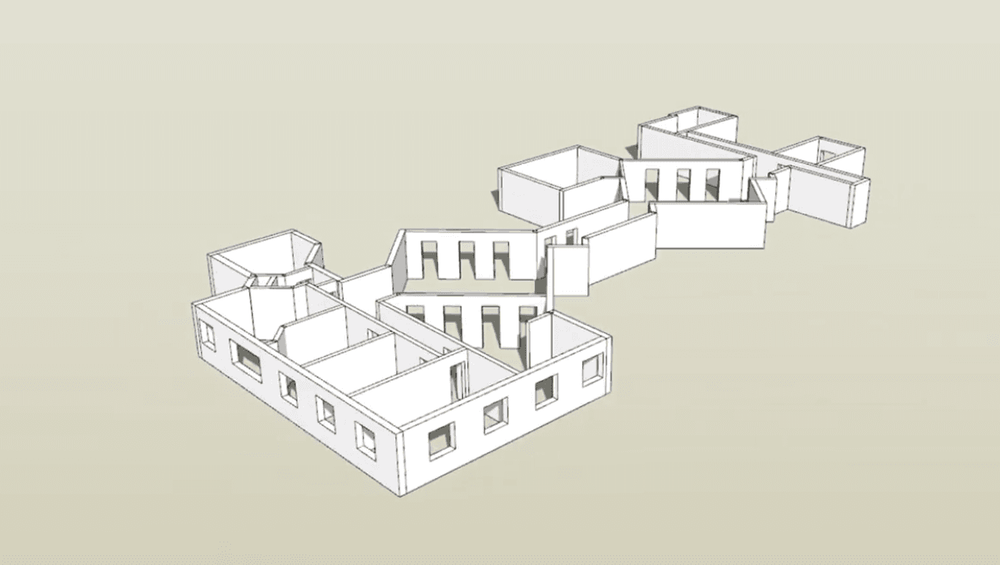
Instant floor plans, 2D & 3D
From scan to publishable plan in minutes.
Generate accurate 2D floor plans and simplified 3D building models directly from detected geometry. Switch between floor plans, elevations, sections and 3D views while measuring distances and keeping every representation linked to the same source scan.
- Instant 2D floor plan generation
- 3D building model generation
- Plan, elevation & section views
- Combined 2D + 3D workspace
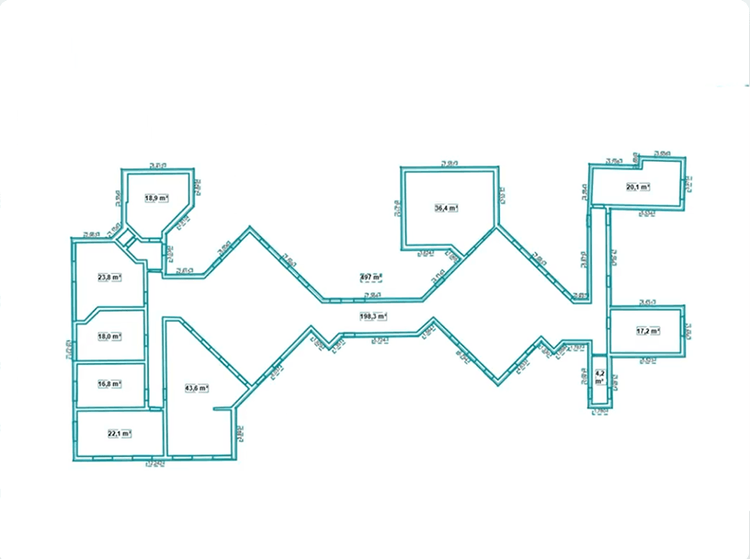
CAD & BIM export
DXF for CAD, IFC for BIM - ready to integrate.
Export floor plans, sections and building models in industry-standard formats including DXF and IFC. Coordinate systems are preserved throughout the workflow, allowing your project to open in CAD and BIM software without rebuilding geometry. For reports and documentation, the high-resolution screenshot tool lets you export detailed views in your preferred format and resolution.
- DXF export (surfaces & sections)
- IFC / BIM export
- Coordinate-system aware
- Compatible with your preferred design environment
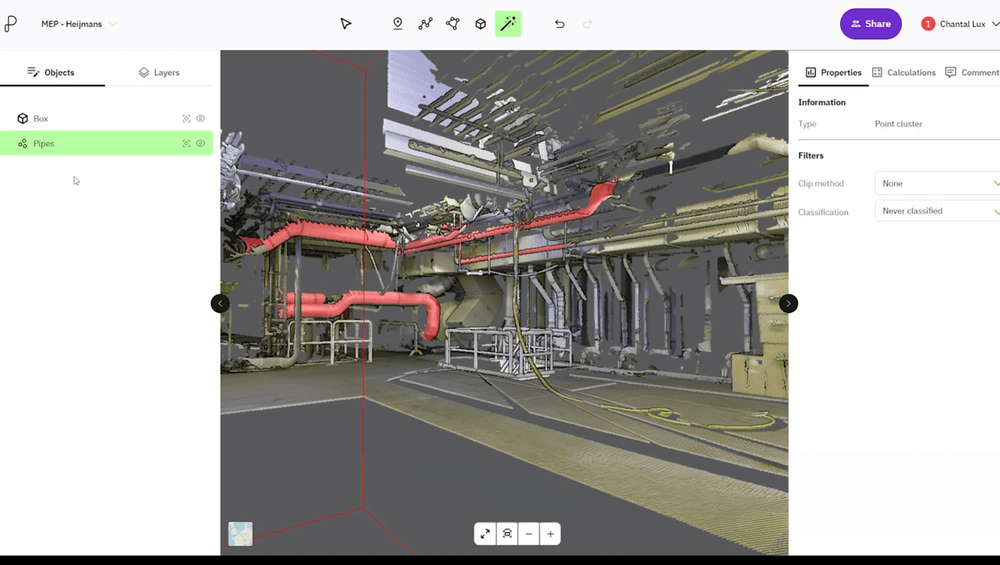
Point cloud analysis
Measure, classify and understand every point.
Analyse your point cloud with powerful measurement, filtering and classification tools. Calculate distances, areas, heights and volumes, clean datasets, perform terrain analysis and overlay CAD or GIS data—all from a single browser-based workspace.
- Distance, area & height measurements
- Volume & terrain analysis
- AI-assisted point cloud classification
- Point cloud filtering & cleaning
- Planar surface analysis
- CAD & WMS/WMTS overlays
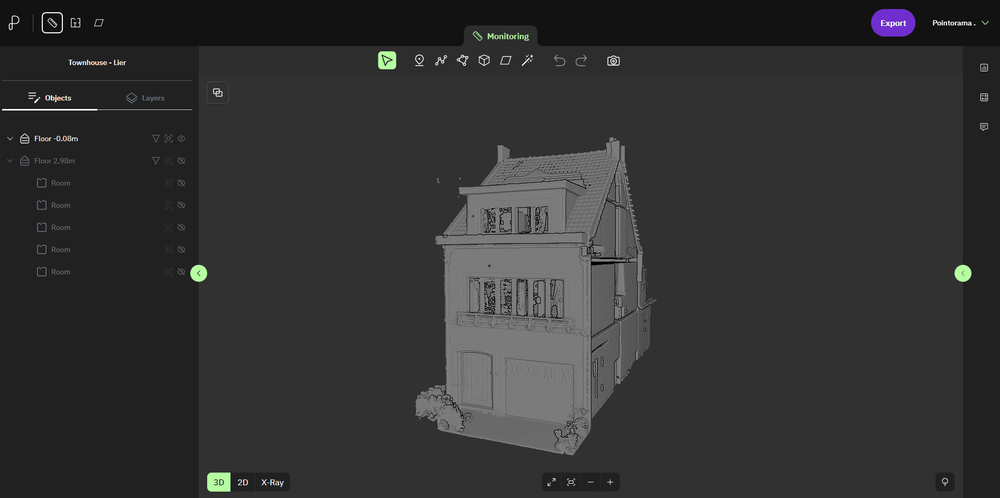
Surface analysis
Go beyond floor plans with powerful analysis tools.
Extract orthographic views, analyse structural geometry and generate documentation directly from your point cloud. Surface Analysis combines powerful inspection tools with AI-assisted workflows to help you understand and document buildings more efficiently.
- Orthographic floor, elevation & section views
- Surface orientation & planar analysis
- AI-assisted vectorization workflow
- High-resolution screenshots
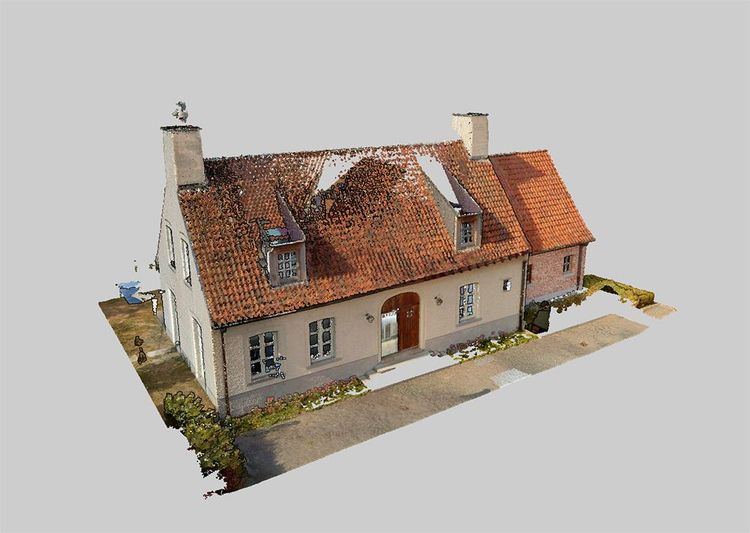
Process billions of points without compromise.
Pointorama is designed to work with massive point clouds directly in your browser. Analyse, measure and generate floor plans from full-resolution datasets without requiring a high-end workstation or local installation.
- Billion-point projects
- Full-dataset workflows
- Cloud-based, no local install
- Access from anywhere

Vendor-neutral point cloud support
Work with scans from any scanner, in any major format.
Pointorama is vendor-neutral by design. Import point clouds from virtually any laser scanner or mobile mapping system using industry-standard and proprietary formats. Your data stays portable, your workflow stays flexible, and you’re never locked into a single hardware or software ecosystem.
- Open & proprietary point cloud formats
- E57, LAS, LAZ, PLY, PTS, PTX, XYZ...
- Scanner-independent workflows
- No vendor lock-in
See it work on your own scans
Start a free trial and turn a point cloud into accurate results today. Full access to every feature, no credit card required.