Surface Analysis
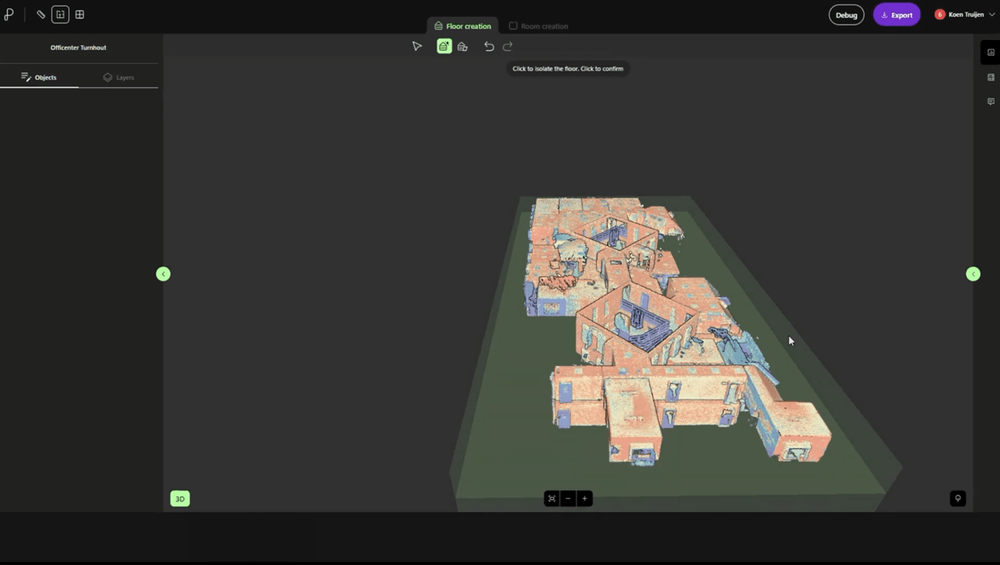
The tools behind every accurate floor plan. Generate orthographic views, isolate structural elements and prepare accurate documentation — all while working directly on the original scan.
Full feature access — no credit card required
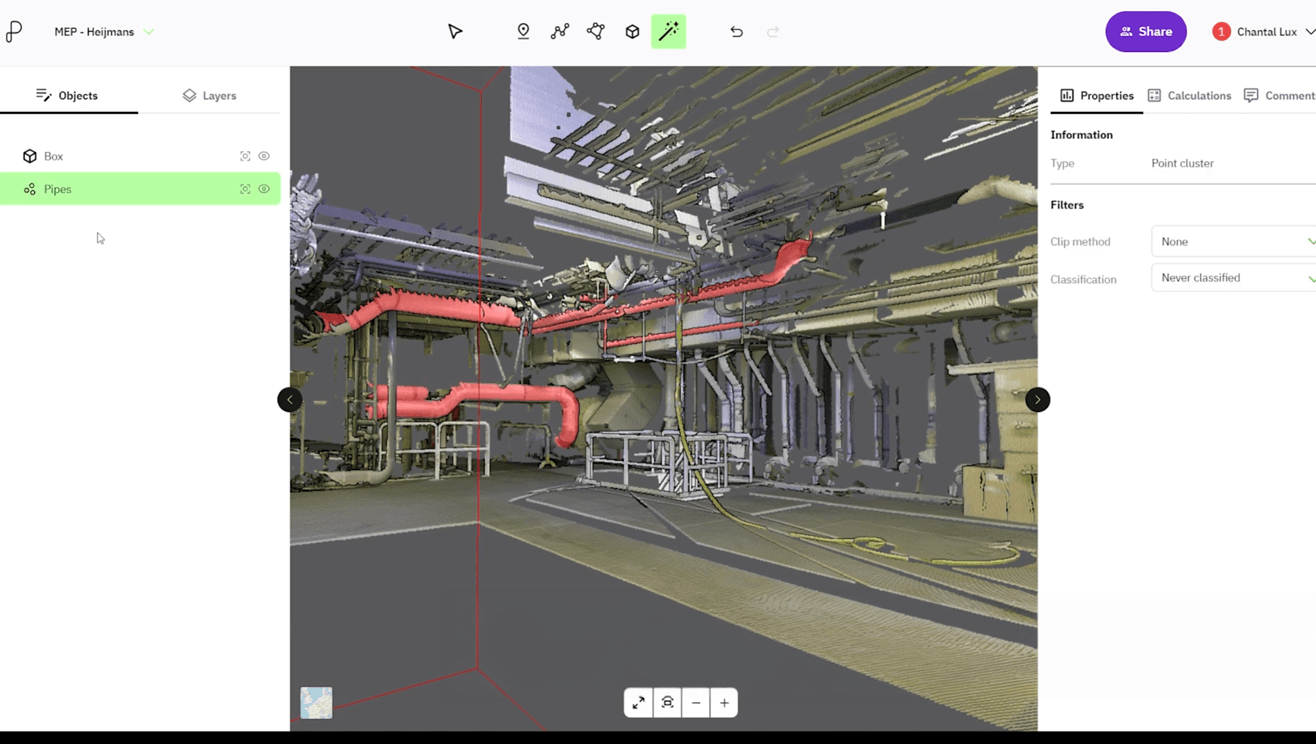
The tools behind every accurate floor plan
Surface Analysis brings together the tools that help you analyse, refine and document point cloud data. Instead of rebuilding geometry manually, you can generate orthographic views, isolate structural elements and prepare accurate documentation—all while working directly on the original scan. Whether you’re creating floor plans, inspecting existing buildings or preparing renovation drawings, these tools give you greater control throughout your workflow.
Analyse and isolate
Focus on the geometry that matters. Automatically detect rooms, isolate horizontal, vertical or inclined surfaces, and analyse planar elements to better understand the structure of a building.
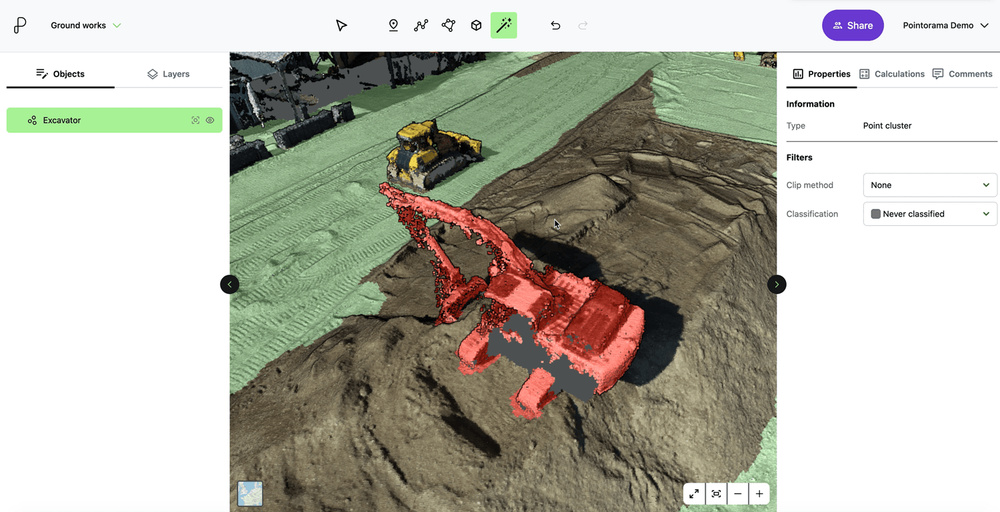
Create and refine
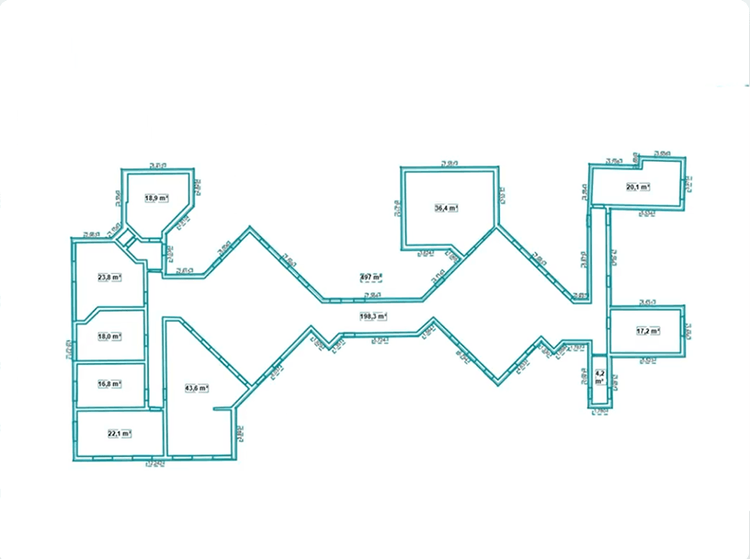
Generate orthographic floor plans, elevations and vertical sections directly from the point cloud. AI-assisted vectorization helps convert views into editable CAD geometry, while DXF export allows you to continue working in your preferred design software.
Document your results
Capture high-resolution screenshots for reports, inspections or project documentation. Every generated view remains linked to the original point cloud, making it easy to verify and communicate your results.
Everything in Surface Analysis
- Space detection
- Surface orientation filters
- Planar surface analysis
- Orthographic floor, elevation & section views
- Vertical section extraction
- AI-assisted vectorization
- Screenshot tool
- DXF export
Put your building surfaces to work
Start a free trial and generate your first orthographic views today. No credit card required.
Tutorials for this workflow
Automatic Floor Detection
Learn how to automatically detect floors using Auto Floor mode. Quickly define your building area, generate accurate levels, and streamline your workflow.
Magic Room Detection – 3D Mode
Learn how to create 3D rooms using Magic Room mode. Define shapes directly in 3D, refine results, and export accurate room models fast.
Magic Room Tool
Learn how to create rooms in 2D X-ray view with Magic Room Tool. Quickly define shapes, refine details, and generate accurate room geometries for export.