A practical guide to point clouds and point cloud processing
Point clouds have become a cornerstone of modern surveying and indoor mapping workflows. Whether captured using static laser scanners or mobile SLAM-based systems, point clouds allow surveyors to document existing environments faster and more comprehensively than traditional measurement methods.
Rather than relying on selective measurements or manually interpreted drawings, point clouds capture the full geometry of a space as a digital dataset. However, the usefulness of a point cloud depends not only on how it is captured, but on how it is processed and interpreted.
This article explores what point clouds are, how they are created, and why point cloud processing is essential for achieving reliable, survey-grade results. We examine accuracy considerations, processing workflows, advantages and limitations, and real-world applications from a professional surveying perspective.
What is a point cloud?
How point clouds are created through 3D scanning
Core elements of a point cloud dataset
The impact of point cloud accuracy on surveying workflows
Point cloud processing and accuracy control
Workflow steps for reliable point cloud resultsWorkflow steps for reliable point cloud results
Advantages and limitations of point cloud–based workflows
Point cloud formats and interoperability
Point clouds in professional applications
Conclusion

What is a point cloud?
A point cloud is a digital representation of a physical environment composed of a large number of individual points in three-dimensional space. Each point represents a precise location where a surface was detected during scanning.
In surveying and indoor mapping, point clouds describe geometry such as floors, walls, ceilings, structural elements and terrain. Together, these points form a spatial snapshot of the environment as it existed at the moment of capture.
Unlike traditional plans or models, a point cloud is not an interpretation of geometry. It is a direct measurement of reality. This makes point clouds particularly valuable for documenting existing buildings where drawings are missing, outdated or no longer reflect actual conditions.
How point clouds are created through 3D scanning
Point clouds are created by scanning physical environments with 3D scanning technologies that measure distances to surfaces and convert those measurements into spatial coordinates.
Two main capture approaches are used in surveying workflows:
- Static laser scanning (TLS)
Static scanners capture geometry from fixed positions. Each scan records a stable and highly accurate snapshot of the surrounding environment. Multiple scan positions are combined to cover an entire building or site. - Mobile scanning (SLAM-based)
Mobile scanners capture data while moving through the environment. Geometry is recorded continuously along a trajectory, allowing large or complex interiors to be scanned efficiently.
Regardless of the capture method, scanning produces a raw point cloud dataset. At this stage, the data reflects the environment but is not yet optimized for measurement or analysis.

Core elements of a point cloud dataset
A professional point cloud dataset consists of more than just spatial points. Several characteristics determine its usability and reliability:
- Geometric consistency: points must align correctly across the dataset
- Density: sufficient point density is required to represent surfaces accurately
- Spatial coherence: walls, floors and edges must form continuous geometry
- Metadata and structure: scan positions, trajectories or additional information support interpretation and processing
These elements influence how well the point cloud can be processed and how reliable derived outputs will be.

The impact of point cloud accuracy on surveying workflows
Accuracy is a critical factor in any surveying workflow. For point clouds, accuracy is influenced by both capture and processing.
Static scanning benefits from stationary acquisition, which typically results in high absolute accuracy. Mobile scanning prioritizes speed and coverage, but introduces movement-related effects such as trajectory drift and cumulative positioning errors.
Importantly, a point cloud that appears visually correct is not necessarily accurate. Small misalignments can significantly affect measurements, floor plan generation and downstream use.
For surveyors, understanding how accuracy propagates through point cloud workflows is essential. Accuracy is not guaranteed by scanning alone—it is achieved through proper processing and validation.
Point cloud processing and accuracy control
Point cloud processing consists of a set of digital steps applied after data capture to transform raw scan data into a coherent, accurate and usable dataset. Each step addresses a specific aspect of data quality and directly influences the reliability of measurements and derived outputs.
Key processing components include:
- Point cloud registration
Registration aligns multiple scans or scan trajectories into a single spatial reference. Without registration, individual scans remain fragmented, making consistent measurement and analysis impossible. - Trajectory processing and drift correction
In SLAM-based workflows, scanner movement is reconstructed digitally. Over time, small positioning errors accumulate, leading to drift. Drift correction reduces these accumulated errors and improves global spatial consistency across the dataset. - Noise and outlier removal
Noise and outliers are points that do not represent meaningful geometry, often caused by reflective surfaces, moving objects or sensor artifacts. Removing these points improves dataset clarity and supports reliable measurement.
Together, these processing steps determine whether a point cloud is suitable for professional surveying and indoor mapping workflows.

Workflow steps for reliable point cloud results
Achieving reliable results requires more than technical processing—it also depends on workflow discipline.
Typical best-practice steps include:
- Planning the scan: understanding building layout and identifying areas that may require special attention
- Capture awareness: maintaining consistent movement and sufficient coverage during scanning
- Processing and validation: applying registration, drift correction and cleaning steps
- Quality control: verifying alignment and measurement reliability before generating outputs
By combining good capture practices with proper processing, surveyors can significantly improve point cloud quality.
Advantages and limitations of point cloud–based workflows
Point cloud workflows offer significant advantages over traditional measurement approaches.
Advantages
- complete capture of existing geometry
- reduced time on site
- reusable digital datasets
- consistent outputs across multiple representations
Limitations
- data quality depends on capture conditions
- mobile scanning introduces drift-related challenges
- processing is required to achieve reliable accuracy
- large datasets require efficient software handling
Understanding both advantages and limitations allows surveyors to choose the right approach for each project.

Point cloud formats and interoperability
Point clouds can be stored in a wide range of file formats, each designed to support different workflows, software ecosystems and data characteristics. The choice of format affects interoperability, processing efficiency, storage requirements and long-term accessibility.
Commonly used point cloud formats include:
Open and widely adopted formats
- E57: an open, extensible format that supports point data, scan structure and metadata
- LAS / LAZ: open LiDAR formats, with LAZ offering efficient lossless compression for large datasets
ASCII-based formats
- XYZ: simple text-based format containing point coordinates
- PTS: ASCII format storing coordinates along with color or intensity
- PTX: extended ASCII format that can include scan and registration information
Mesh- and library-oriented formats
- PLY: vendor-neutral format often used for polygonal data and visualization
- PCD: format associated with the Point Cloud Library (PCL), commonly used in research and processing workflows
Vendor-specific and proprietary formats
- RCP: associated with Autodesk ReCap
- FLS: used by Faro scanners and Faro Scene
- POD: supported by Bentley Systems
- CL3: generated by Topcon scanners
While many formats exist, professional surveying and indoor mapping workflows generally favor open and vendor-neutral formats. These formats simplify data exchange between different tools, reduce dependency on specific hardware or software ecosystems, and help ensure long-term usability of point cloud data across projects and platforms.
Point clouds in professional applications
- Applications of processed point clouds
Processed point clouds are used across a wide range of surveying and mapping applications. As a consistent and measurable spatial dataset, they provide a reliable reference for multiple workflows. - Indoor mapping and floor plan generation
Processed point clouds form the basis for generating accurate 2D and 3D floor plans. Geometry such as walls, rooms and levels is extracted directly from scanned data, ensuring that layouts reflect real-world conditions rather than interpreted drawings. - Surveying and spatial measurement
Once properly registered and optimized, point clouds support reliable digital measurements across an entire site or building. This reduces the need for repeated field visits and enables consistent documentation based on a single dataset. - Renovation and retrofit projects
Point clouds capture the existing condition of buildings as measured geometry. This provides dependable base data for design and planning, reducing uncertainty and limiting rework in renovation workflows. - Facility management and asset documentation
Scan-based spatial documentation supports facility management by providing up-to-date layouts and spatial references for maintenance, asset location and space management. - Scan-to-BIM workflows
In scan-to-BIM workflows, processed point clouds serve as the reference for creating BIM models of existing buildings, reducing assumptions and improving spatial consistency.
Across all applications, the processed point cloud functions as a reusable spatial reference that reflects real-world conditions and supports accurate analysis and documentation.

Conclusion
Point clouds have transformed surveying and indoor mapping by enabling fast, complete and reusable spatial documentation. However, raw scan data alone is not sufficient.
Reliable results depend on proper point cloud processing, including registration, drift correction and noise removal. For surveyors, understanding both capture and processing is essential to achieving accurate, survey-grade outcomes.
As scanning technologies continue to evolve, point clouds will remain the foundation of modern spatial workflows—and processing will remain the key to unlocking their full value.
Seamless processing and analysis, no matter how your point clouds are captured
No matter how your point clouds are captured—using static scanners or mobile SLAM systems—Pointorama enables efficient processing, analysis and optimization. By focusing on geometry and workflow integration, Pointorama helps surveyors turn raw scan data into reliable spatial documentation.

Want to go deeper?
Dive into the fundamentals of indoor mapping and better understand the technology behind the workflow.
Download our free white paper and discover how scanning, point clouds and floor plan generation come together.
Related articles
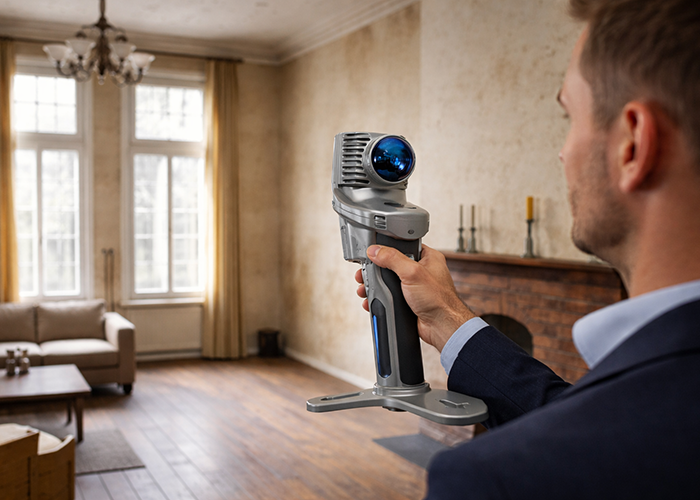
Stronger together: how partnerships drive innovation at Pointorama
Partnerships are the driving force behind innovation at Pointorama. By connecting hardware, software and expertise, we transform raw scan data into structured, usable results through seamless workflows.
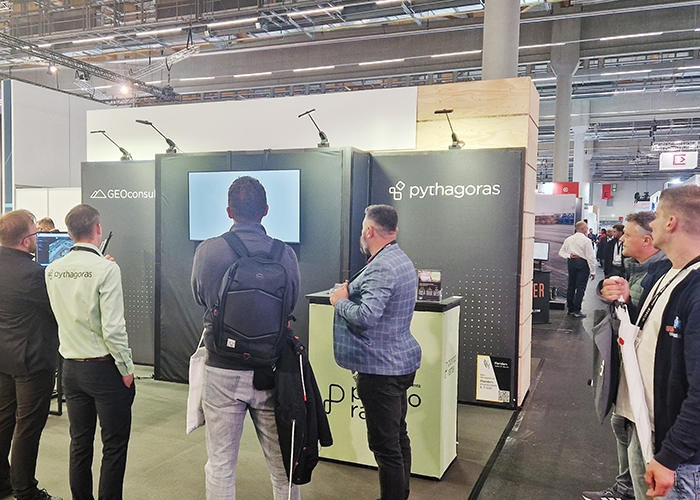
Pointorama on tour: meet us at key events in 2026
Meet Pointorama at key events in 2026. Discover new features, explore innovations and connect with our team across Europe.In 2026, Pointorama will be present at leading geospatial events across Europe, including GeoBusiness, Intergeo and Trefdag Digitaal Vlaanderen. Discover our latest innovations, explore new workflows and experience how much our technology has evolved when you meet us in person.

Indoor mapping and its role in modern surveying and construction
Indoor mapping has become a foundational technology for surveying and construction workflows involving existing buildings. By capturing interior environments as scan-based geometry, indoor mapping provides a reliable spatial reference that can be reused across applications such as floor plan generation, renovation and retrofit projects, scan-to-BIM workflows, real estate documentation and facility management.